
Not a PNG. The whole folder.
Everything an agency hands over at the end of a branding project, in one download: the logo in every format and arrangement, favicons, social sizes, guidelines, design tokens, and a README telling you which file goes to whom.
3 credits the first time, then free · requires an active plan
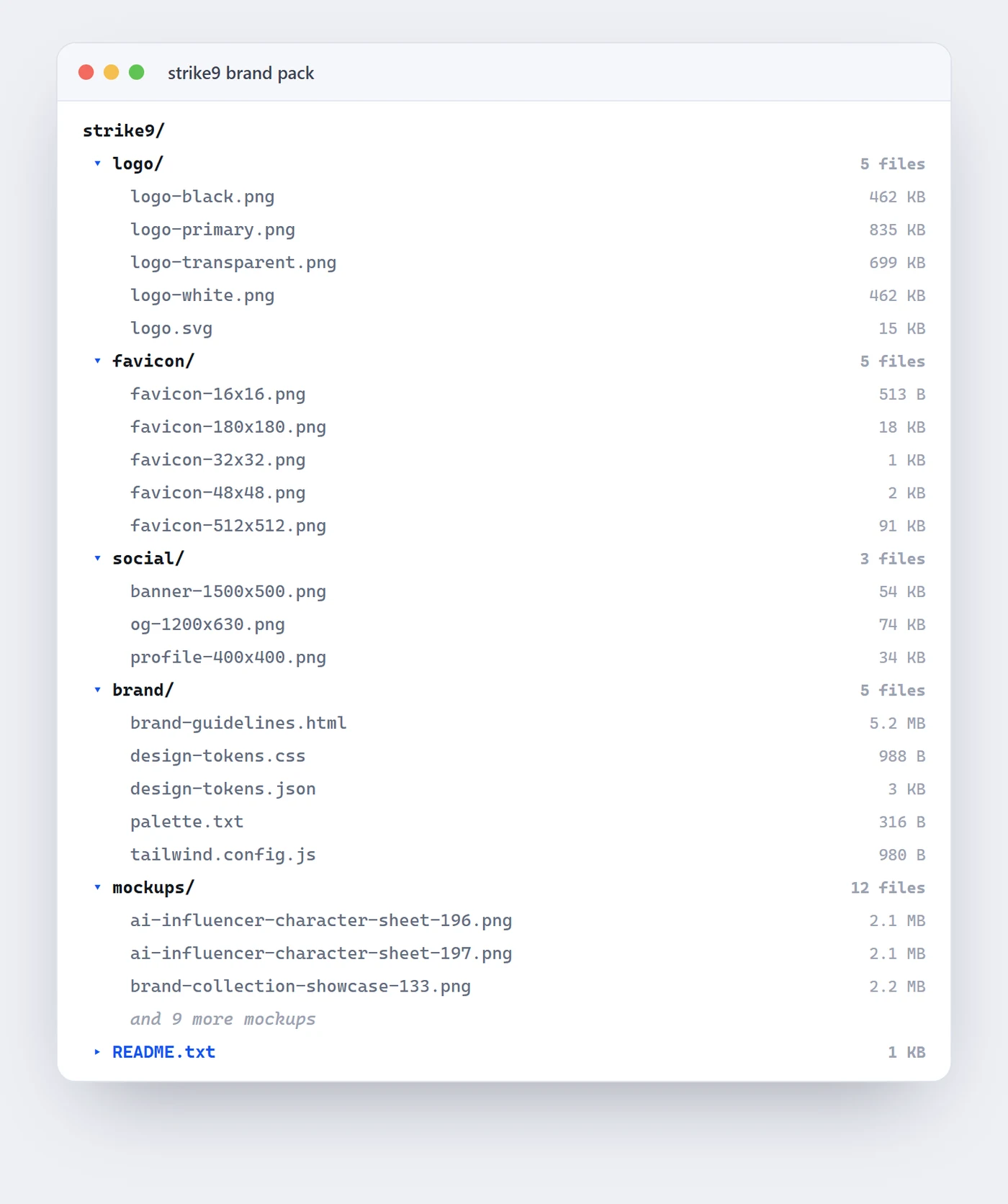
What is a brand pack? The hand-off, as a file.
A brand pack is the complete set of files a brand needs in order to be used by other people. It contains the logo in every format, primary, transparent, one-colour and vector, every arrangement of that logo, favicons at the sizes browsers and phones ask for, correctly sized social images, written brand guidelines, the colour palette, and design tokens a developer can import directly. It also contains a README, which is the part that turns a folder of files into an actual hand-off: a short table matching each recipient to the file they need. Logofai assembles the pack on demand rather than storing it, so the download always reflects the current state of your project. It costs 3 credits the first time and is free afterwards.
Most AI logo tools give you a PNG. The distance between having a logo and having something you can hand to a printer, a developer and a social manager is where launches stall, and it is the distance this closes.
Nothing here is stored on our side. The ZIP is built fresh each time you download it, which means it is never a stale snapshot of a project you have since changed.
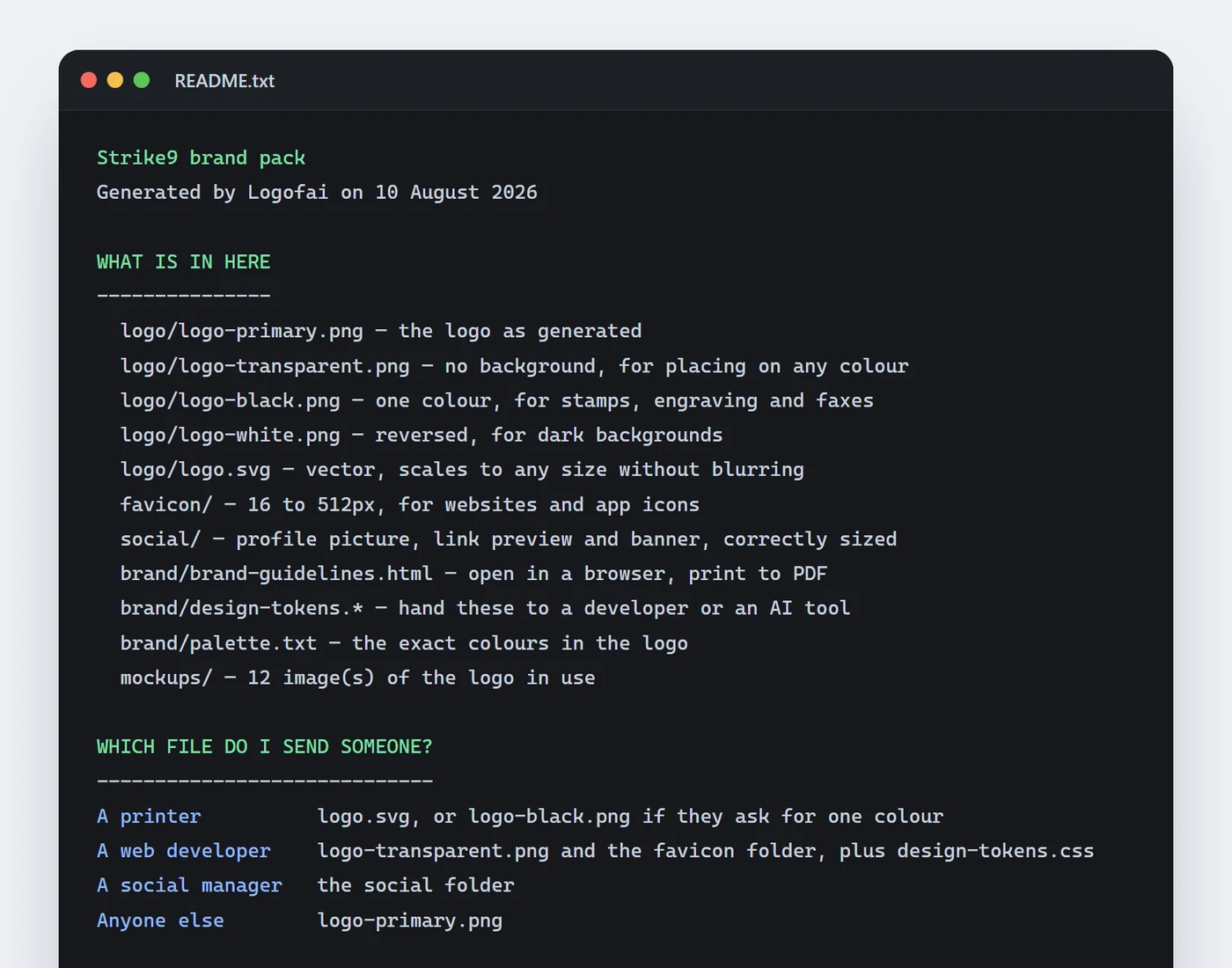
The README. A folder that tells you what to do.
This is the real README from the Strike9 pack, unedited. It is the difference between a download and a hand-off.
What is in the ZIP? Seven things.
Primary PNG, transparent PNG, one-colour black, reversed white, and logo.svg.
Every arrangement as its own file, plus the presentation board, the brand-colour board and a vector board.
The mark at 16, 32, 48, 180 and 512 pixels.
Profile 400x400, link preview 1200x630 and banner 1500x500.
brand-guidelines.html, design tokens as CSS, JSON and a Tailwind config, plus palette.txt.
Up to 12 images of the logo in use.
Which file to send to a printer, a developer and a social manager.
The sizes, already exported. No cropping by hand.
The social images every platform asks for, cut to the right dimensions from your own artwork, plus favicons at 16, 32, 48, 180 and 512 pixels. Nothing to crop, resize or export by hand.
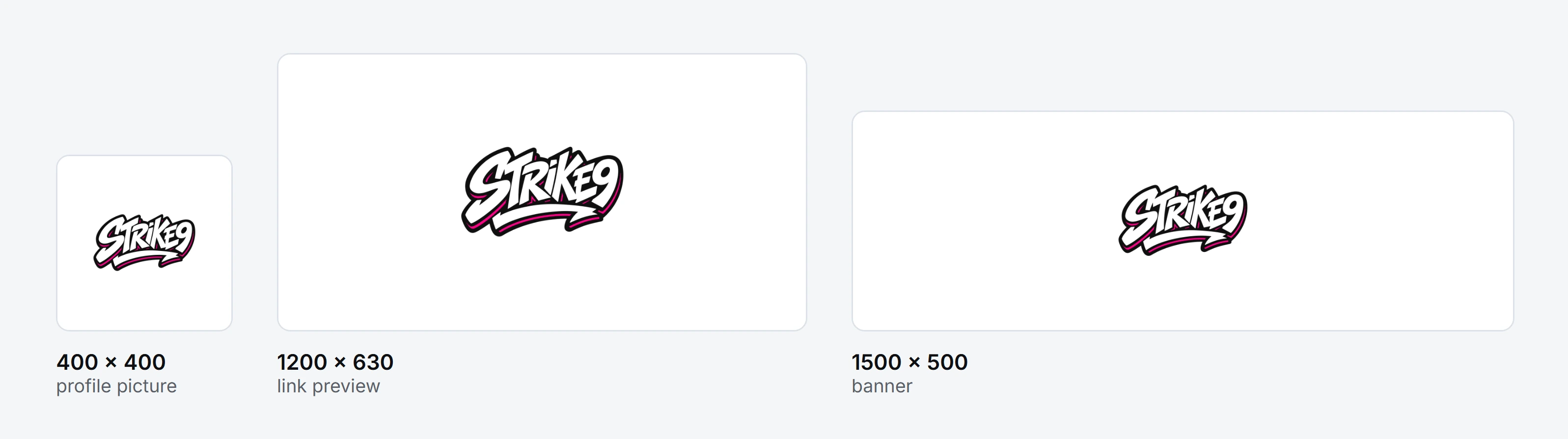
The full list of sizes worth exporting is in favicon and social image sizes, one checklist.
Who do you send it to? The README answers that.
| Recipient | What they get | From |
|---|---|---|
| A printer | logo.svg, or the one-colour black PNG if they print in a single ink | logo/ |
| A web developer | The transparent PNG, the favicon folder and design-tokens.css | logo/, favicon/, brand/ |
| A social manager | Profile, link preview and banner, already at the right dimensions | social/ |
| A designer | The guidelines, the palette and every logo arrangement | brand/, logo-system/ |
| Anyone else | logo-primary.png | logo/ |
Which format suits which job is covered in every logo file format, and which to send whom.
For the people who build things. Tokens, not screenshots.
The brand folder carries the same values in three machine-readable formats.
design-tokens.cssCustom properties to import into a stylesheet, so the colours are correct by construction.
tailwind.config.jsMerge into a Tailwind project and the brand becomes utility classes.
design-tokens.jsonStructured tokens for design tools and anything that reads the standard.
Why a hand-off needs both a document and tokens: brand guidelines vs design tokens. For the full developer-facing system, see the design system generator.
Brand pack, answered.
What is a brand pack?
A brand pack is the complete set of files a brand needs in order to be used by other people: the logo in every format and arrangement, favicons, social image sizes, written guidelines, a colour palette, design tokens for developers, and a document explaining which file goes to whom. It is what an agency hands over at the end of an identity project.
What does the Brand Pack cost?
It costs 3 credits the first time you download it, then it is free forever afterwards. It requires an active subscription and is not available on the free trial.
Is the download always up to date?
Yes. Nothing is stored: the ZIP is assembled fresh each time you download it, so it always reflects the current state of your project rather than a snapshot from whenever it was first built.
What is in the README?
A plain-text list of every file and what it is for, followed by a short table matching each recipient to the file they need: a printer gets the SVG or the one-colour PNG, a web developer gets the transparent PNG, the favicon folder and design-tokens.css, and a social manager gets the social folder.
Can a developer use it directly?
Yes. The brand folder carries design tokens as CSS custom properties, as a Tailwind config and as JSON, so the exact colour and type values can be imported into a build rather than copied by eye from a document.
The whole hand-off. One download.
Built fresh every time, so it is never out of date. 3 credits the first time, then free.