


Logo Maker for Designers: More Concepts, Less Grind
Logofai isn't here to replace your craft, it's here to remove the slow parts. Explore more directions, present on realistic mockups, and spend your time refining.
No card required · Flagship-quality AI on every image
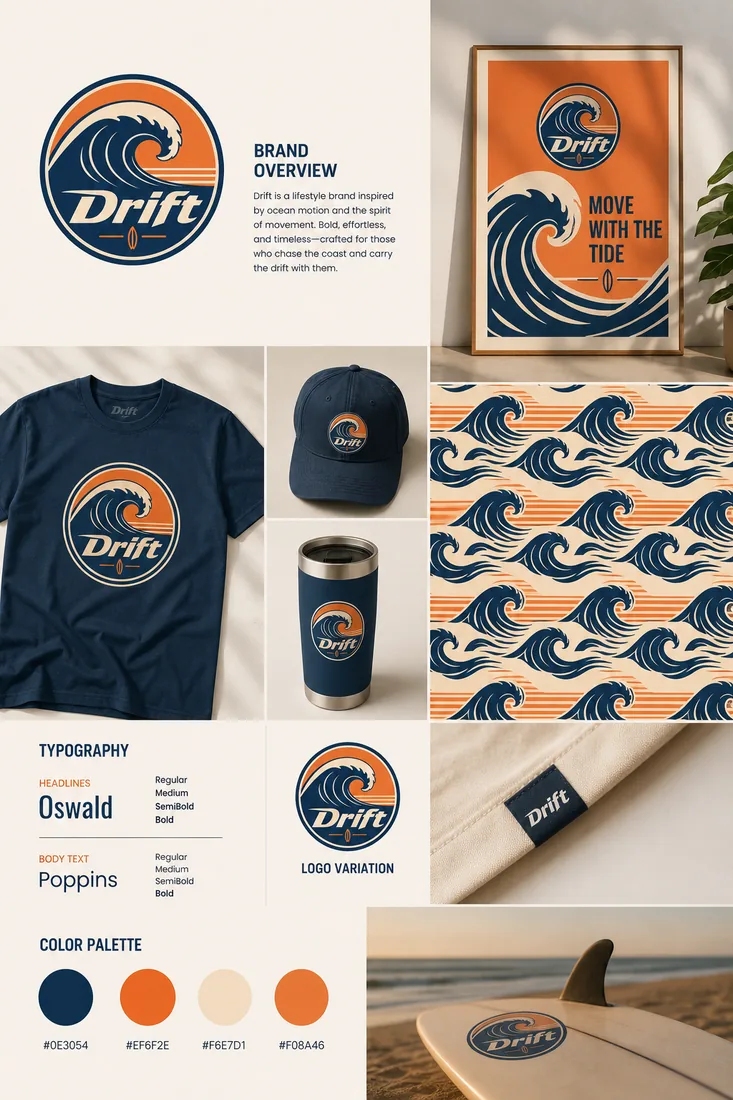 Generated with Logofai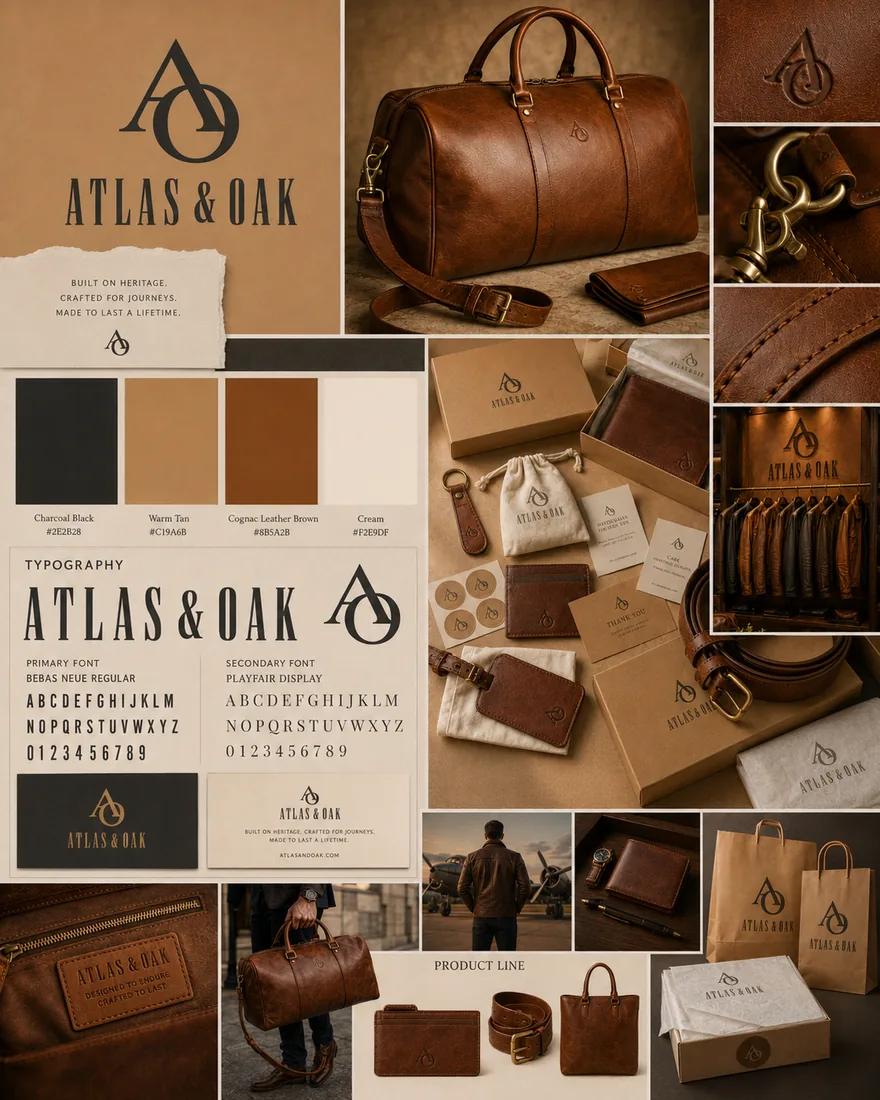
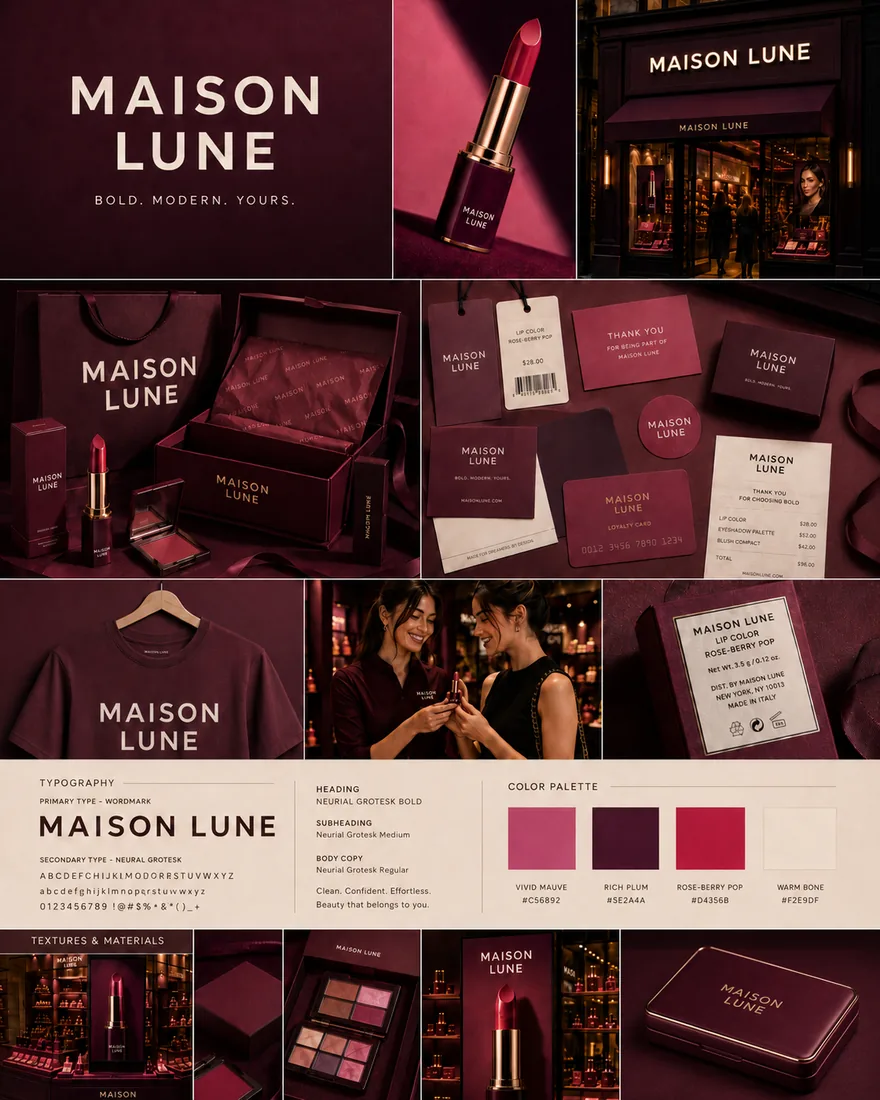
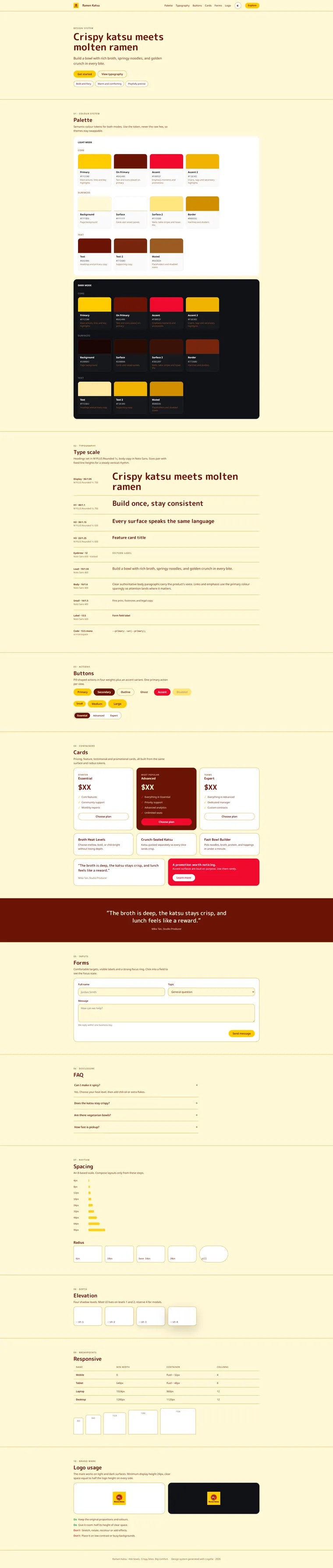
Real outputs, untouched. Every image on this page was generated with Logofai.
Three steps, no learning curve.
One sentence about your business, or use the guided form. That is the only writing you will do.
Styles, products and photo scenes are all one-click choices with matured prompting baked in.
Results in about a minute, consistent with your brand, ready to download and publish.
The slowest, least creative part of a logo project is the early groundwork: generating breadth, mocking things up, and preparing a presentation. Logofai compresses that so designers and agencies can spend their hours on the part that matters, refinement and judgment.
Where it fits in a pro workflow
Use AI generation to produce a wide field of directions in minutes, shortlist the strongest, and present them on realistic mockups your client can react to. Then take the winner into your own tools to perfect it. Each direction starts as one sentence typed into an AI logo creator, so a wide first round costs minutes rather than a day.
What designers gain
- Breadth, fast: explore far more directions than time usually allows.
- Client-ready mockups: present concepts in context without building scenes by hand.
- Faster approvals: realistic previews shorten revision cycles.
- More billable focus: less setup, more refinement.
Honest about the handoff
AI gets you a strong starting point; your skill takes it the rest of the way. See how designers can use AI in logo projects for a practical workflow.
Present like a studio
Pair concepts with presentation mockups and a brand kit to deliver a complete system, not just a file.
Good questions.
Will AI replace designers?
No. Logofai speeds up exploration and presentation; the craft of refining and deciding still belongs to the designer.
Can I use it for client work?
Yes. Many designers use it to generate concepts and build client-ready mockups, then refine the winner in their own tools.
Does it export editable files?
You can export high-resolution assets to take into your design software for final refinement.
How does it speed up presentations?
It generates realistic mockups automatically, so you can present concepts in context without building scenes by hand.
Ready when you are.
Start free. Your first logo is about a minute away.