


AI coding tools are fast, but out of the box they have taste of their own: default blues, generic system fonts, rounded-corner soup. If you already have a brand, every generated page starts with a restyling session. There is a simpler way: give the tool your design system as a file it can read. That file is a design.md.
Step 1: get a design.md for your brand
If you do not have one yet, Logofai's design.md generator creates it from your logo: palette extracted from the mark, typography paired, twelve sections of tokens and rules written for you. It costs 9 credits on the Pro or Business plan and takes about a minute. You can also write one by hand; the structure to follow is in our design.md explainer.
Step 2: put the file where the tool looks
For a Cursor design system setup, drop the file in the project root:
my-app/
  design.md        <- here
  package.json
  src/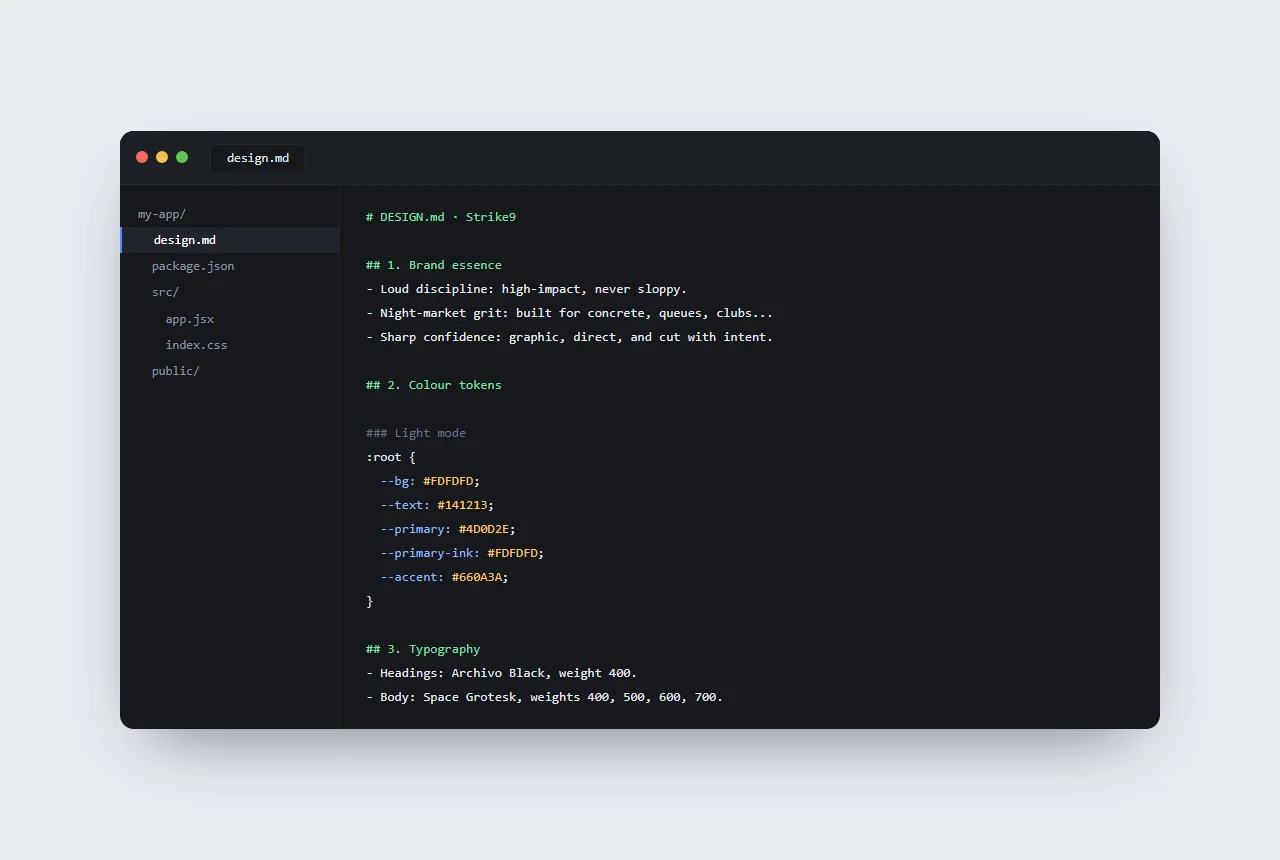
Then reference it. Two options work well in Cursor: mention it directly in your prompt ("follow design.md"), or add a project rule so every request inherits it. In Claude Code, add one line to your CLAUDE.md: "Follow the design system in design.md for all UI work." Both tools read the file as context automatically once it is referenced.
Step 3: prompt against the system
With the file in place, prompts get shorter and output gets more consistent. A real example with the Strike9 design.md from our case study:
Build the landing hero: full-width, dark background,
headline, subline and one primary CTA.
Follow design.md.
The tool reads the tokens instead of inventing them. These lines are quoted straight from the real Strike9 file, its light-mode palette:
:root {
  --bg: #FDFDFD;
  --text: #141213;
  --primary: #4D0D2E;
  --primary-ink: #FDFDFD;
  --accent: #660A3A;
}
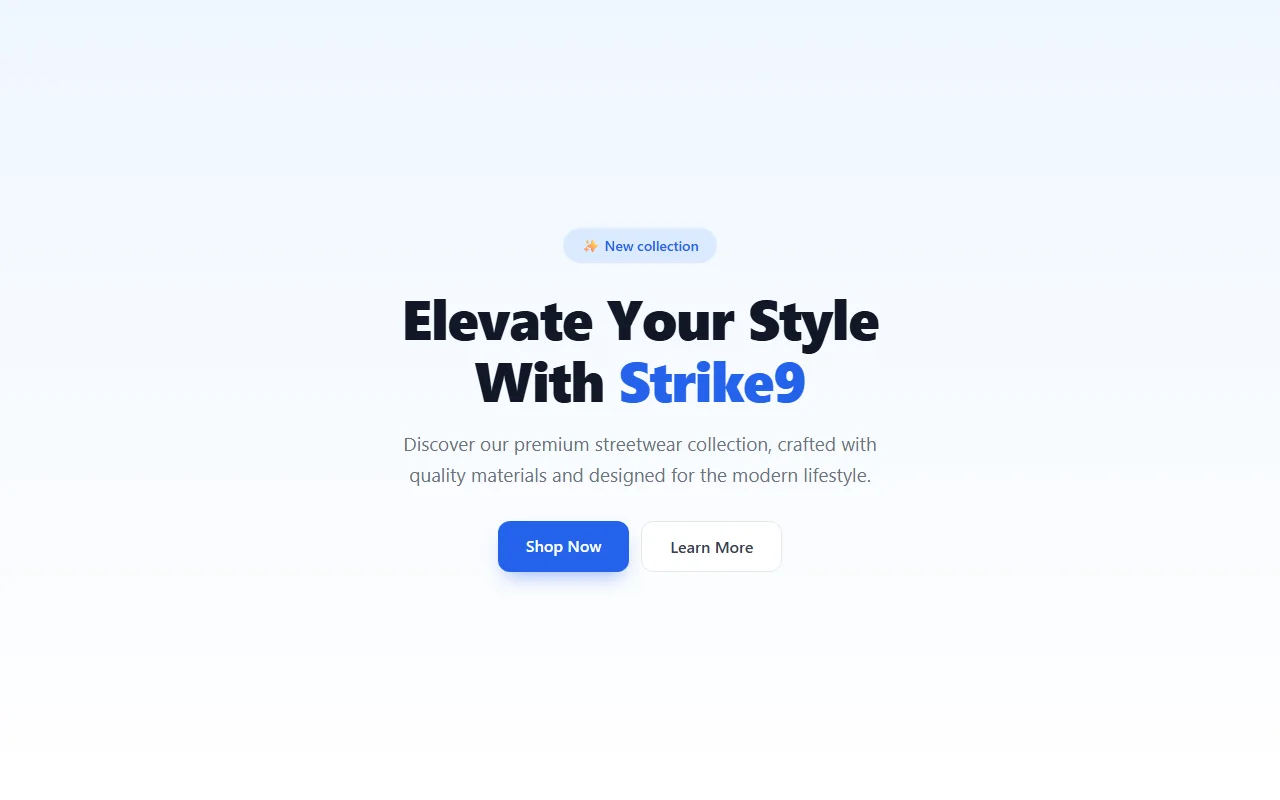
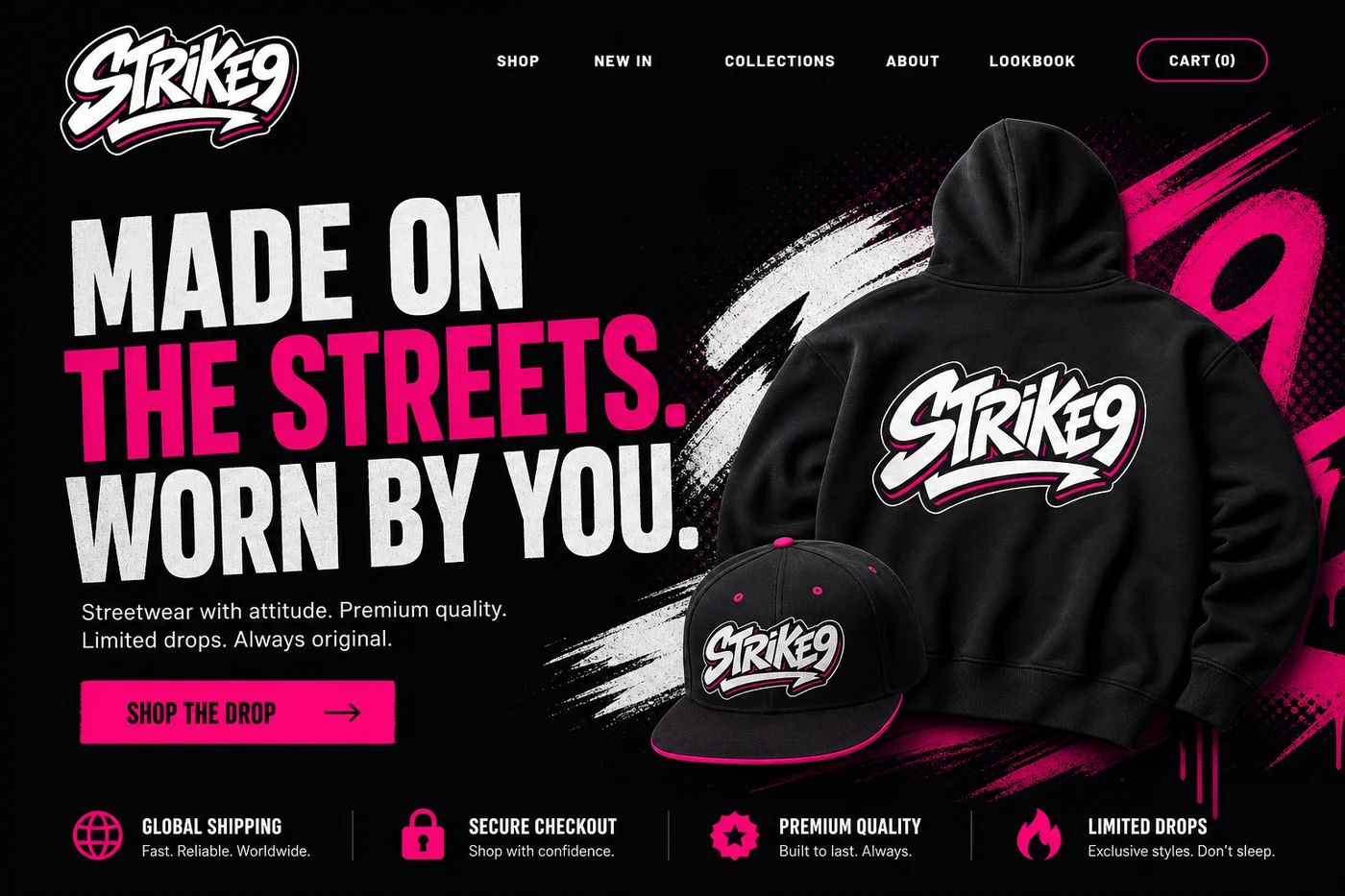
And below is where the brand actually lands on the web: Strike9's hero runs a near-black #050407 backdrop, the white graffiti wordmark, headlines that flip to hot pink #E11070 for emphasis and a matching pink call to action with black text. Different surface, different mood than the light-mode tokens above, and that is the point: the build follows whatever the file says instead of a house style. No follow-up prompts about colors, no hunting through generated CSS to swap hex codes.
What changes in practice
- First render is on-brand: the restyling pass disappears.
- Consistency across sessions: next week's component matches this week's, because both followed the same file.
- Usage notes carry intent: the file says what each token is for, so the tool picks --surface-2 for a table row instead of guessing.
- Dark mode comes free: the file defines both modes, so generated components support both from the start.
Your brand, readable by machines
Generate a design.md from your logo, then paste it into Cursor, Claude Code, v0 or Lovable.
Generate yoursThe same file works everywhere
Nothing about the format is Cursor-specific. Paste it into v0, Lovable or Bolt as the first message ("follow this design system") and generated pages arrive in your palette and type from the first render. Human developers read it as a spec. And because a Logofai generation also ships tokens.css, tailwind.config.js and tokens.json, your build pipeline can consume the exact same values the AI follows. One system, every consumer, no drift.
See a complete real file, and the live style guide rendered from it, on the design system generator page.
The same file works beyond Cursor: using design.md with v0 and Lovable covers the prompt wording each of those tools needs, and a full design.md example shows the shape of the file before you write your own.