


The logo maker app for your whole brand
Logofai on iPhone and Android: type one sentence about your business, get an original logo, then build the mockups and brand kit around it without leaving your phone.
No card required · Flagship-quality AI on every image
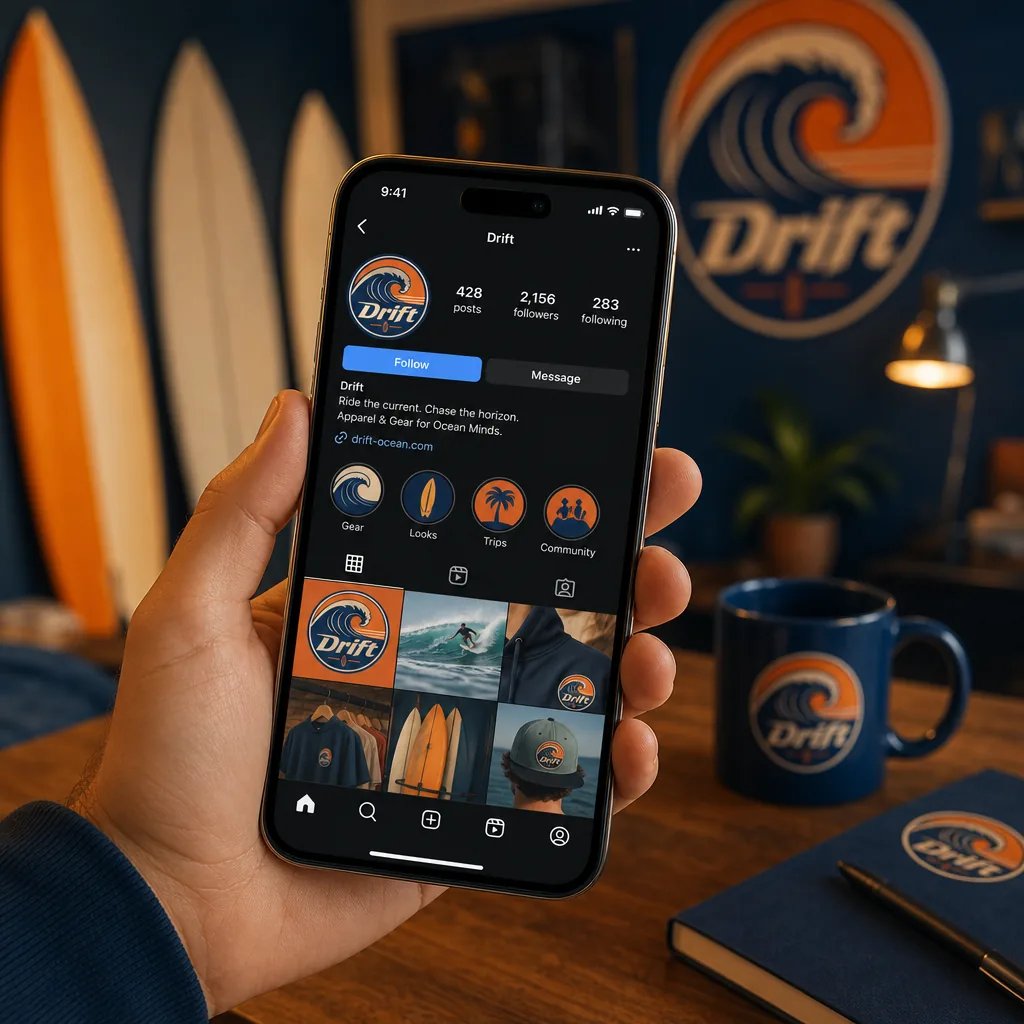 Generated with Logofai


Real outputs, untouched. Every image on this page was generated with Logofai.
Three steps, no learning curve.
One sentence about your business, or use the guided form. That is the only writing you will do.
Styles, products and photo scenes are all one-click choices with matured prompting baked in.
Results in about a minute, consistent with your brand, ready to download and publish.
A logo maker app earns its place on your phone when the phone is where the work actually happens. The idea arrives on a commute, the name gets settled over lunch, and the print shop wants files before you are back at a desk. Logofai's apps for iPhone and Android run the whole branding flow on mobile, and they share one account with the web, so nothing you start on your phone is stuck there.
What the app does on your phone
- Write a prompt: one sentence about your business in a single text field. If you would rather not write, the Customize tab lets you choose with taps instead.
- Generate: each image costs 3 credits, and the Generate button shows the cost before you tap it.
- Refine: describe the change you want in words, and the app revises the mark instead of starting again from nothing.
- Mockups and branding: from the logo preview, one tap puts the logo on products such as caps, tote bags and packaging, or builds a branding board with colours and typography.
- Download: save JPG or PNG straight to your phone. SVG vector export is there for subscribers.
Built for a thumb, not a mouse
The screens are a text field, a pair of tabs and galleries you swipe through. Mockups are picture cards: choose a background, choose the products, generate. There are no layers, no toolbars and nothing to pinch and zoom, which is the difference between an app designed for mobile and desktop software squeezed onto a small screen.
iPhone, Android and the web, one account
Logofai is on the App Store for iPhone and on Google Play for Android. Sign in with the same account at app.logofai.com and your logos, brand boards and credits are already there. A common pattern is to generate and shortlist on the phone, then open the web app on a laptop when it is time for brand guidelines or a design system for a developer.
What it costs on mobile
The app is free to download. Every new account gets 6 free credits with no card required, and a generated image costs 3 credits, so the free credits cover two images: a logo, then a second concept or a first mockup. Paid plans are $9.99 a month for 150 credits, $29.99 for 450 and $99.99 for 1,500, yearly billing takes 10% off, and a generation that fails refunds its credits automatically.
Who uses the app instead of a computer
Owners who brand between customers, founders who test a name the afternoon they think of it, and freelancers who try a few directions on the train and bring the strongest to the next meeting. If you would rather work on a big screen, the same tools run in the browser: the AI logo maker covers the full web workflow, including design.md export for AI coding tools.
Getting a good logo from a phone keyboard
Short prompts work well on mobile as long as they carry three things: the business name, what the business does and one visual idea. A barbershop called Fade District, scissors hidden in the F, black and brass, will beat a paragraph typed with your thumbs. When a result is close, refine it in words rather than generating again. For more patterns worth copying, see these logo prompt examples.
A logo app, or a logo editor?
Store listings mix two kinds of app. Editor apps give you icons, fonts and a canvas, and assume you already know what you want. Generation apps take a description and draw an original mark. Logofai is the second kind, and it keeps going after the logo with mockups and brand kits from the same screen. For a slower, screen-by-screen tour, the logo maker app walkthrough goes step by step.
Good questions.
Is the Logofai app on iPhone and Android?
Yes. Logofai is on the App Store for iPhone and on Google Play for Android, and the same account signs in on the web at app.logofai.com.
Is the logo maker app free?
The app is free to download, and every new account gets 6 free credits with no card required. A generated image costs 3 credits, so the free credits cover two images. Paid plans start at $9.99 a month for 150 credits.
Do my logos sync between the app and the web?
Yes. Logos, brand boards and credits belong to your account, so anything you make on your phone is waiting when you sign in on a computer, and the other way round.
Can I download an SVG from the app?
Yes, with a subscription. Choose SVG in the download options. The first conversion of a logo costs 3 credits, and downloading the same SVG again is free. JPG and PNG downloads work on every account.
Does the app do more than logos?
Yes. From the logo preview, one tap takes the logo into product mockups such as caps, bags and packaging, or into a branding board with colours and typography.
Ready when you are.
Start free. Your first logo is about a minute away.