


A Logo Maker App That Fits in Your Pocket
Design a professional logo from your phone, no desktop software, no learning curve. Logofai brings the whole branding flow to mobile.
No card required · Flagship-quality AI on every image
 Generated with Logofai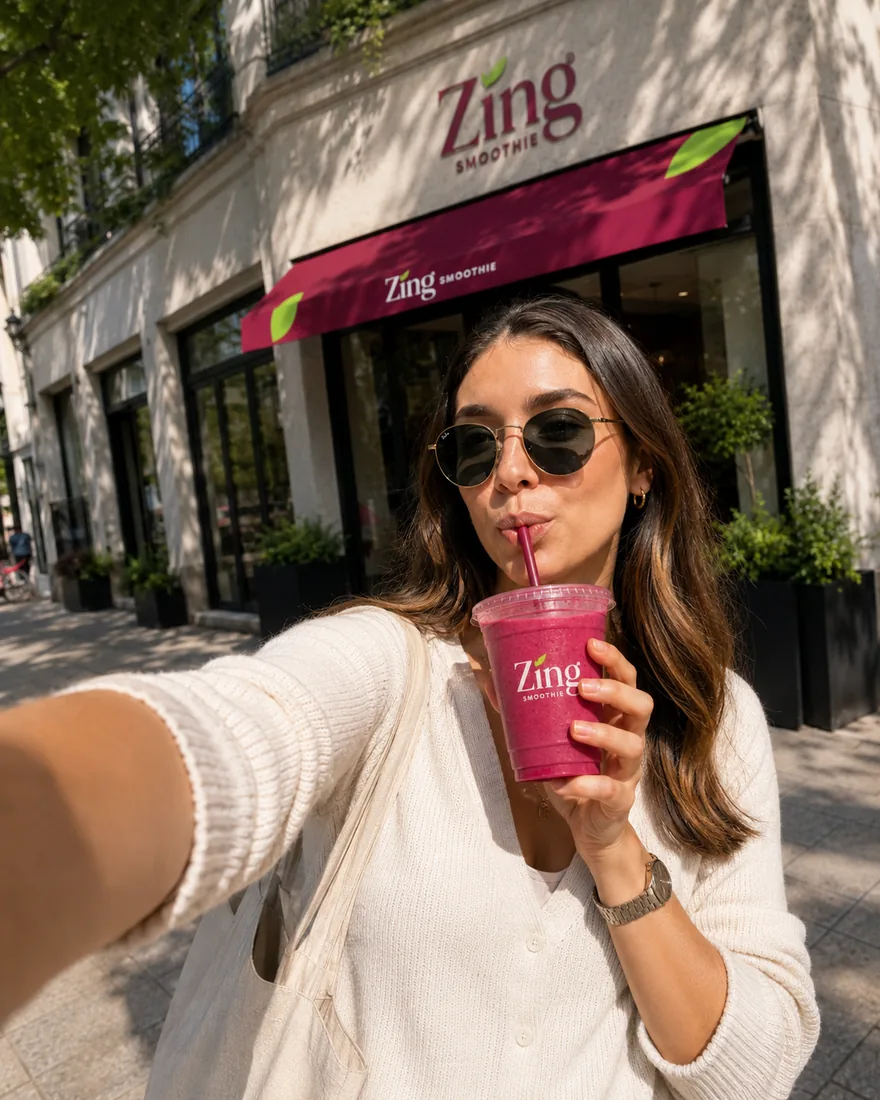
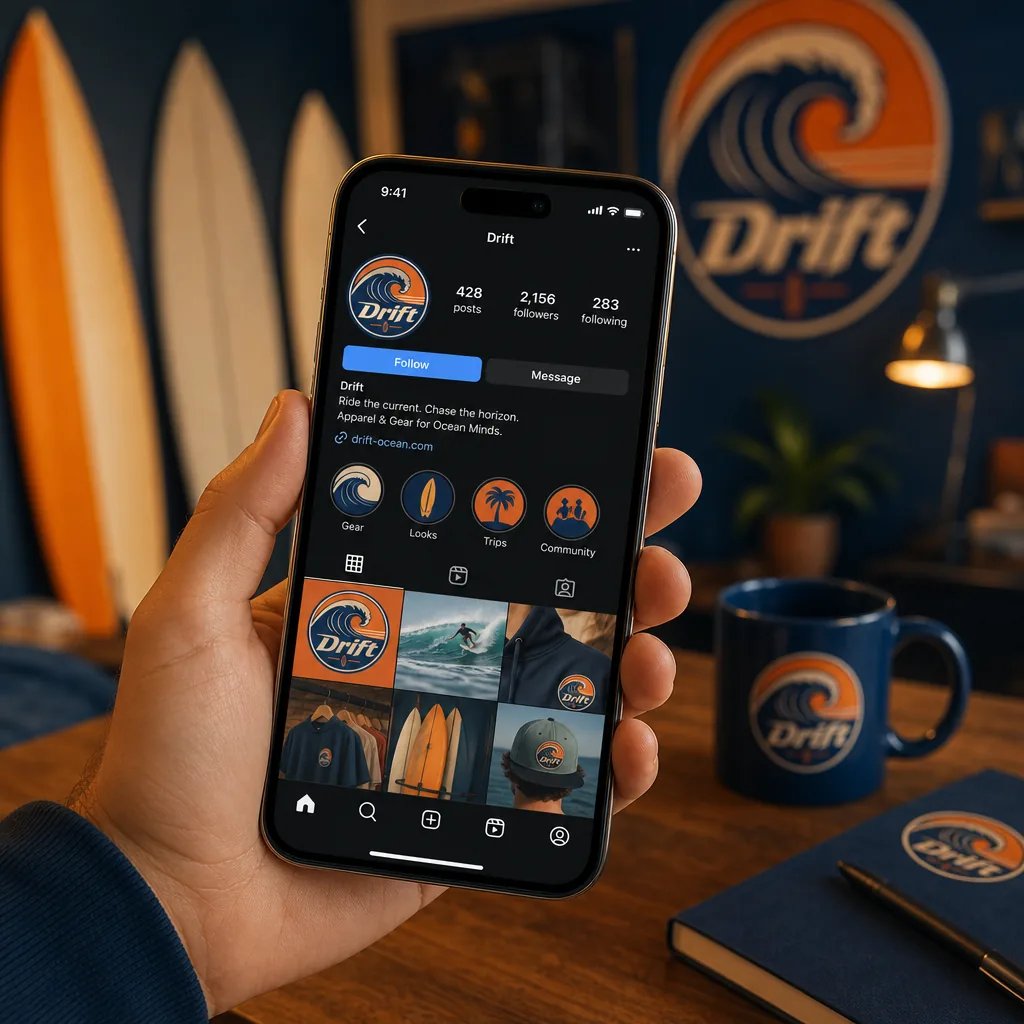
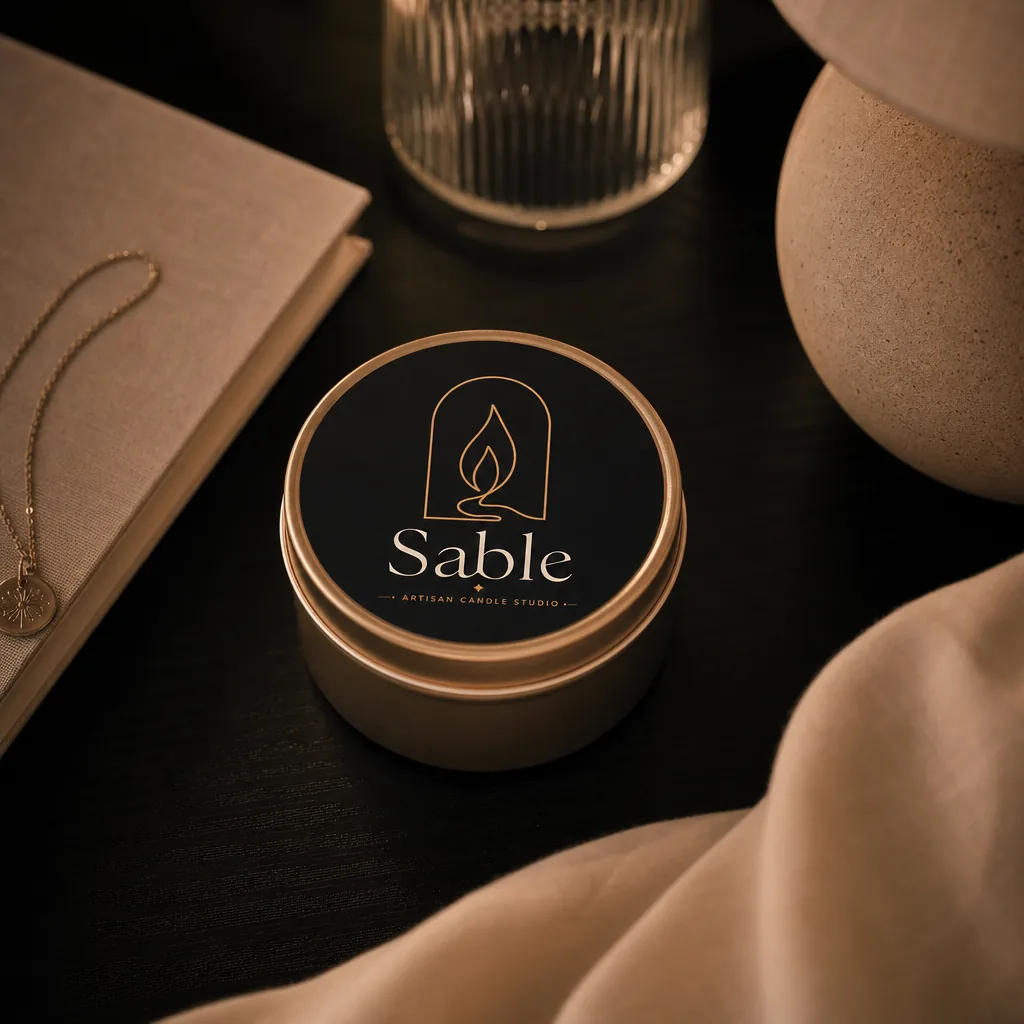
Real outputs, untouched. Every image on this page was generated with Logofai.
Three steps, no learning curve.
One sentence about your business, or use the guided form. That is the only writing you will do.
Styles, products and photo scenes are all one-click choices with matured prompting baked in.
Results in about a minute, consistent with your brand, ready to download and publish.
Most logo tools assume you're sitting at a desktop with a big screen and an afternoon to spare. Logofai is built mobile-first: the entire branding flow, from the first prompt to the exported files, runs on the phone already in your hand. You can design a logo on a commute, refine it in a waiting room and send the finished brand kit to a teammate before you reach your stop.
What is a logo maker app?
A logo maker app is a mobile application that creates a business logo without desktop design software. The older generation of these apps worked like sticker books: pick an icon, pick a font, drag them together. Logofai belongs to the newer generation, an AI logo maker app, which means the logo is generated for you from a plain-language description. You type one sentence about your business, for example "a minimalist coffee brand called Ember, warm tones, a flame tucked into the E", and a flagship AI image model designs an original mark from it. No icon libraries, no templates, and no two users end up with the same logo.
The whole flow, on mobile
Everything that normally takes three tools and a laptop happens inside one touch-friendly app:
- Describe: type a sentence about your business. Pick from twelve logo styles, minimal, mascot, vintage, geometric and more, and six colour moods, or let the AI decide.
- Generate: a flagship AI model produces an original logo concept. Every plan, including free credits, runs the same model; quality is never a paid tier.
- Refine: not quite right? Describe the change in words, "make the icon rounder", "try a deeper green", and the app revises the mark.
- Expand: one tap builds brand kit boards; another places your logo on any of 129 photoreal product mockups; another generates lifestyle photography around it.
- Export: download high-resolution files and share them straight from your phone.
What makes Logofai different from other logo apps
Three things separate Logofai from the average logo app in the store listings.
First, originality. Template apps assemble logos from shared parts, so the same icon shows up on hundreds of businesses. Logofai generates each mark from scratch per prompt. That matters beyond aesthetics: an original mark is also a stronger foundation if you ever want to trademark your brand.
Second, everything after the logo. A logo alone is not a brand. Logofai turns your mark into a complete identity: brand kit boards with your colours and typography, 129 photoreal mockups, from business cards and packaging to signage and vehicle wraps, and editorial lifestyle photography with your branding in the scene. Every image in our thirteen case studies was generated this way, from the phone-sized prompt up.
Third, the developer handoff. If your brand is going to become a website or an app, Logofai can extract a complete design system, a design.md file plus design tokens, that AI coding tools like Cursor, v0 and Lovable can follow. No other mobile logo app produces that.
Designed for a small screen, not shrunk to fit one
Mobile-first is a design decision, not a port. Prompting is a single text field, styles and colour moods are swipeable cards, refinement is conversational, and mockups are a gallery you flick through with your thumb. There is nothing to pinch-zoom and no toolbar built for a mouse. The same account also works on the web at app.logofai.com, where you can make a logo with AI in the browser, so anything you start on your phone is waiting for you on a bigger screen, and vice versa.
What it costs, plainly
Logofai uses credits. Every new account starts with free credits, no card required, and a generated image costs 3 credits, so the free credits cover two images, a first logo and then a second concept or a mockup, before you pay anything. Paid plans start at $9.99 per month for 150 credits, with larger plans at $29.99 for 450 and $99.99 for 1500, and yearly billing takes 10% off. Two things we think are fair and unusual: failed generations refund their credits automatically, and the AI model is identical on every plan, you never pay extra for better quality, only for more output.
Who a mobile logo maker is for
Founders rarely brand from a desk. A logo maker for startups that lives on your phone means you can validate a business name and ship a look the same afternoon you think of it. Side-hustlers can brand an Etsy shop from the sofa. Freelancers and designers use the app as a fast first-draft engine, generating six directions on the train, then presenting the strongest to a client. And small business owners who would never open desktop design software can still walk away with agency-grade files.
Tips for better logos from your phone
The quality of a generated logo tracks the quality of the sentence you type. A few habits that consistently help:
- Name the business and the industry: "a barbershop called Fade District" beats "a cool logo".
- Give one visual idea, not five: a single strong image, "scissors hidden in the F", produces cleaner marks than a list of wishes.
- Set the mood with two or three adjectives: premium, playful, brutalist, hand-made.
- Refine instead of regenerating: once a concept is close, describe the specific change you want. Refinement keeps what works and fixes what doesn't.
For a deeper set of examples, see our guide to AI logo prompt examples.
iOS and Android, one flow
Logofai is on the App Store for iPhone and iPad and on Google Play for Android, and both apps run the same generation pipeline as the web app. Your logos, brand kits and credits sync across all three, so the phone is never a lesser version of the product, it's just the version that's always with you.
A realistic walkthrough: branding a business over lunch
Here is what the flow looks like in practice. Minute one: you type “a mobile dog grooming service called PetParlor, friendly, mint and cream, a paw tucked into the P” and pick the mascot style. Minute two: the model returns an original mark, and you spend 3 credits on a refinement: “make the lettering rounder”. Minute five: you open mockups and place the logo on a van wrap, an apron and a loyalty card, the three surfaces the business will actually use. Minute ten: the brand kit board is done, colours and typography included, and you share it from your phone to the print shop. That is not a hypothetical; PetParlor is one of the thirteen real brands in our use-case gallery, generated exactly this way.
The point is not speed for its own sake. It is that the creative decisions stay with you, the founder, while the production work, the part that used to cost thousands of dollars and take weeks, happens in the background between two taps.
Choosing the best app to make logos
Most searches for a logo creator app end up comparing three things that only look alike in a store listing. Template apps give you a library and let you swap the text, which is fast and produces marks other businesses also have. Editor apps hand you the drawing tools and assume you already know what you want. Generation apps, which is what this is, take a sentence and return original artwork built for your description.
The question worth asking of any candidate for best logo design app is not how many templates it ships, it is what you leave with. A logo on its own is maybe five per cent of what a brand needs. Ask whether the app also produces the transparent and one-colour versions, the favicon and social sizes, the mockups you need for a listing, and files a printer will accept. Most stop at the mark.
For the desktop-first version of this comparison, the honest comparison of AI logo makers covers the same tools on the web, and the AI logo maker app page goes deeper on how the generation itself works.
Start with a sentence
Download the app, type one sentence about your business, and spend your free credits finding out what your brand looks like. If the concepts aren't right, refine them in plain words. When one is right, the same app turns it into mockups, photography and a brand kit, everything you need to look launched.
Good questions.
Is Logofai available on iOS and Android?
Yes. Logofai is available as a mobile app on both the App Store and Google Play, and the same account works on the web at app.logofai.com.
Can I make a real logo just from my phone?
Yes. The full flow, generate, refine, mockup and export, works on mobile, with high-resolution downloads you can share straight from the app.
Is the logo maker app free?
It is free to download, and every new account starts with free credits, no card required. A generated image costs 3 credits, so the free credits cover two images, for example a logo and one mockup. Paid plans start at $9.99 per month for 150 credits.
Do I need an account?
You can start designing right away; an account lets you save and sync your logos and brand kits across your phone and the web app.
Is it beginner-friendly?
Very. The app is designed for non-designers: you describe your business in plain language, and refine results by describing changes in words rather than using design tools.
How is Logofai different from template logo apps?
Template apps assemble logos from shared icon and font libraries, so results repeat across users. Logofai generates an original mark from your description with a flagship AI model, then builds the rest of the brand, kits, mockups, photography and a developer-ready design system, around it.
Will the logo be unique to my business?
Each logo is generated from scratch from your specific prompt rather than assembled from a template pool, so the mark is original to you, which also gives you a stronger basis for trademark registration.
What if a generation fails or looks wrong?
Failed generations refund their credits automatically. If a result simply is not the direction you wanted, refine it by describing the change, refinement costs 3 credits and keeps the parts that already work.
Ready when you are.
Start free. Your first logo is about a minute away.